
Aduno Pay for municipalities
One municipality. Many payment points. One solution.
At the counter, at the swimming pool, at the depot, at events: payment is taken everywhere, and everywhere differently. Aduno Pay brings all your municipality's payment points onto one platform — with the right solution for each point and a statement that fits your accounts.
Payment points
Where money is taken in your municipality.
Five places, five situations, five requirements. Scroll through — each one has a solution that fits.
01Municipal counter
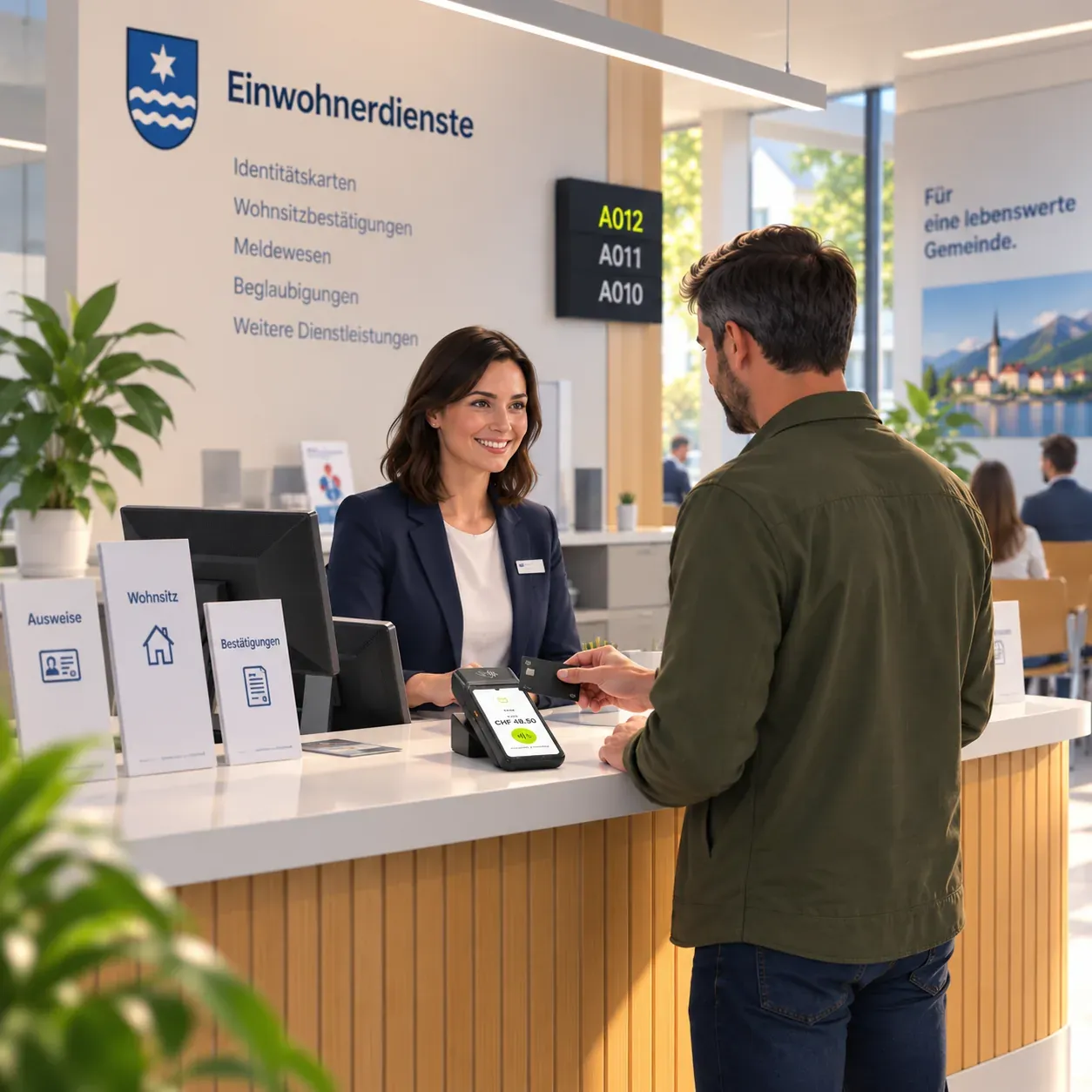
At the counter: residents' services and debt enforcement
Identity card, proof of residence, certification, debt enforcement extract: many transactions, mostly small amounts, often with people waiting behind — and at the debt enforcement counter regularly larger sums in cash. What counts here is speed, and that nobody has to count a full till in the evening.
Matching solution
- Till solution for fast handling
- Simple entry of fees and items
- A range with standard fees (identity card, certification, register extract) plus free amount entry for special cases, including discount and reduction logic as well as a cancellation function
- Till integration into existing specialist applications as well as online payment for web-based fees
- Multilingual interface (DE/FR/IT/EN)
- Export of the daily closings by cost centre and account for the accounts department
02Police
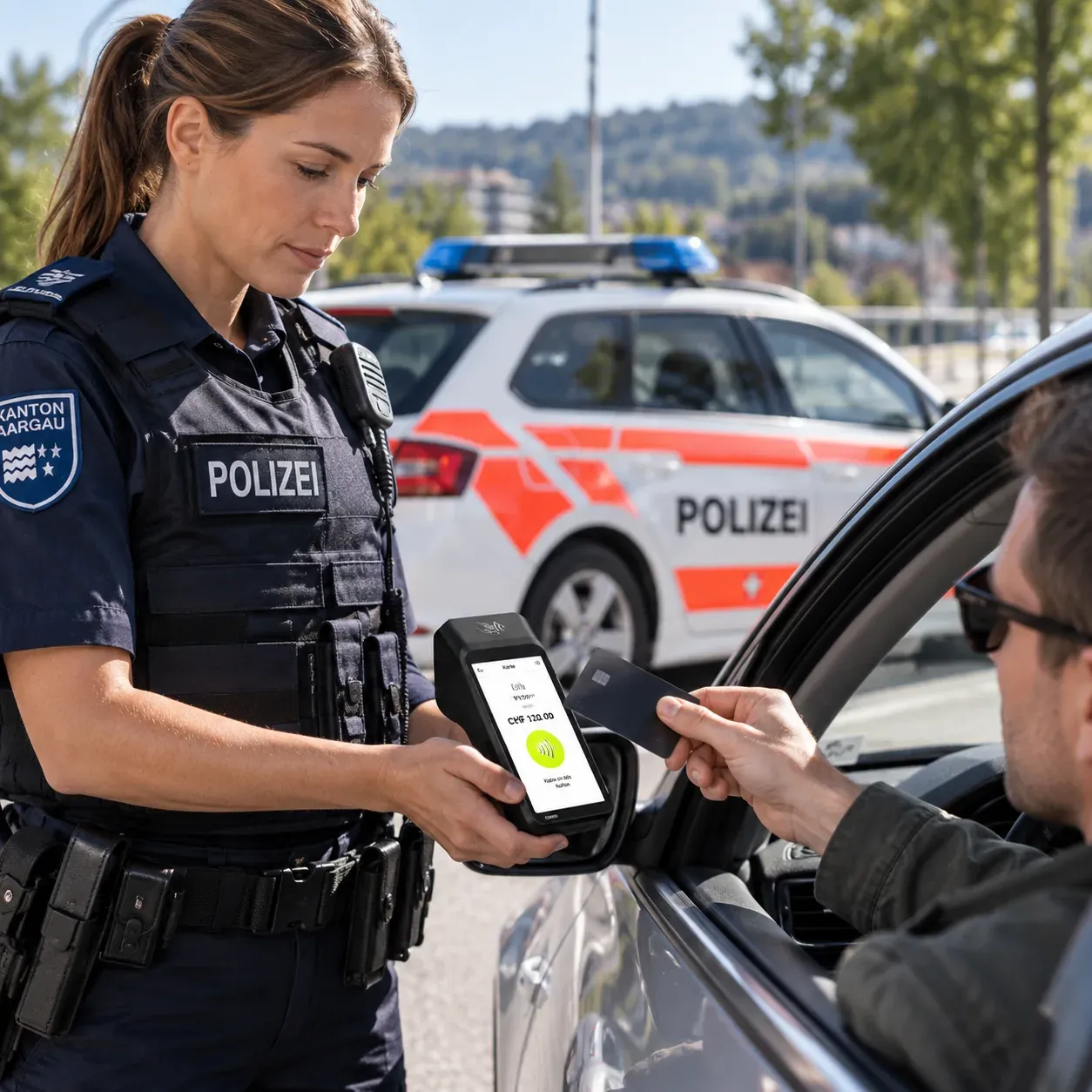
At the municipal police
Fines and fees are paid where they arise — at the counter, but also out on duty. With a card instead of cash, no cash stays in the vehicle and no receipt goes unwritten.
Matching solution
- Till solution for fast handling
- Simple entry of fees and items
- The fine number travels with the transaction
- A mobile, rugged, weatherproof terminal or SoftPOS for field duty — battery powered, offline capable, syncing later
- A range with the stored catalogue of offences, including offence and penal code in addition to the fine number
- An immediate mobile receipt (printed or email/PDF) as well as a QR invoice and payment reminder if it is not paid on the spot
- Assignment to the officer in charge via login or badge number
03Swimming pool
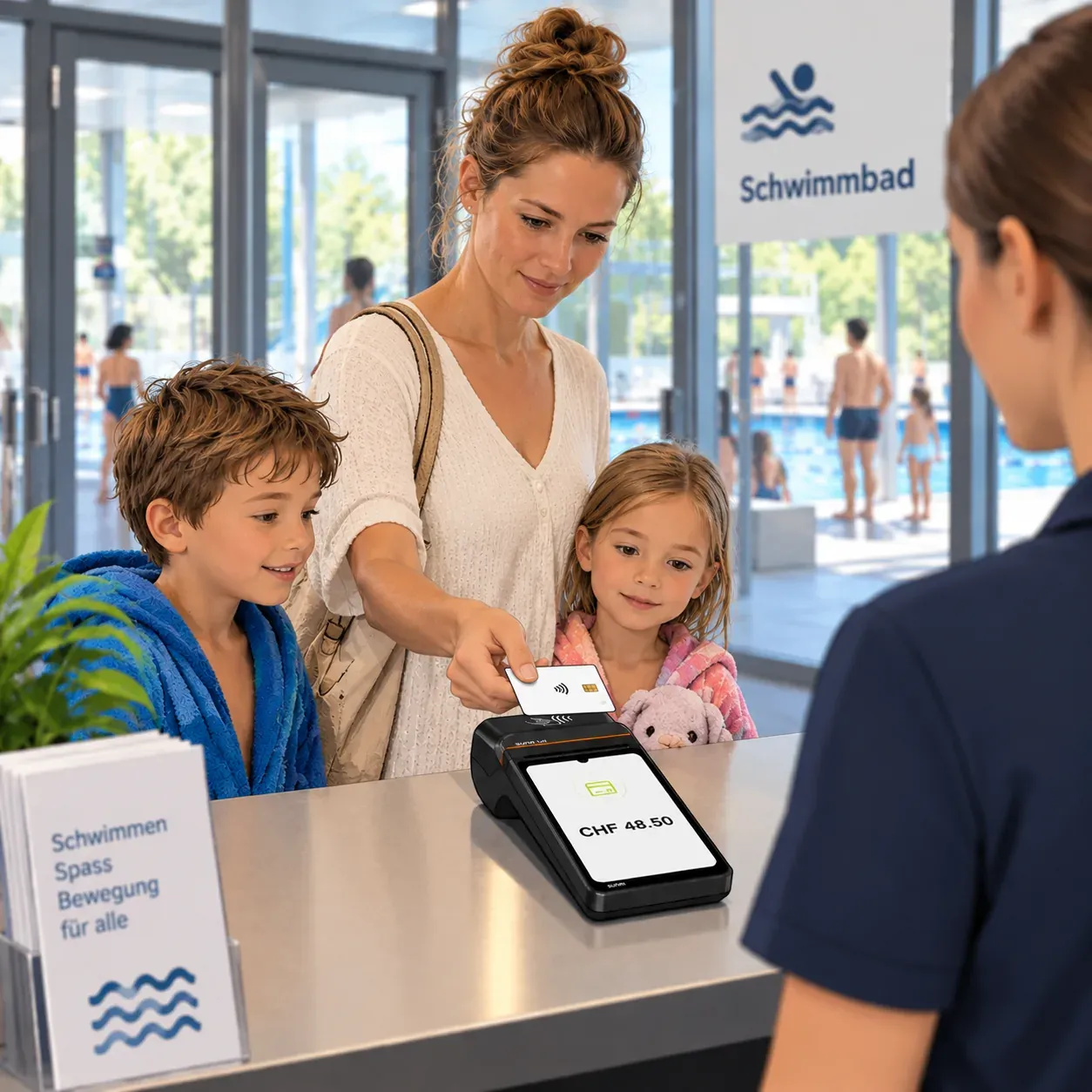
At the swimming pool
Entries, season tickets, kiosk: a short, intense season with peaks on hot days and staff who change every year. A solution nobody has to explain is worth more here than any feature.
Matching solution
- Till solution for fast handling
- Simple entry of fees and items
- Deposit refunds
- Tipping function
- Shift recording and staff selection
- Easy connection to ticketing and access control systems
04Depot
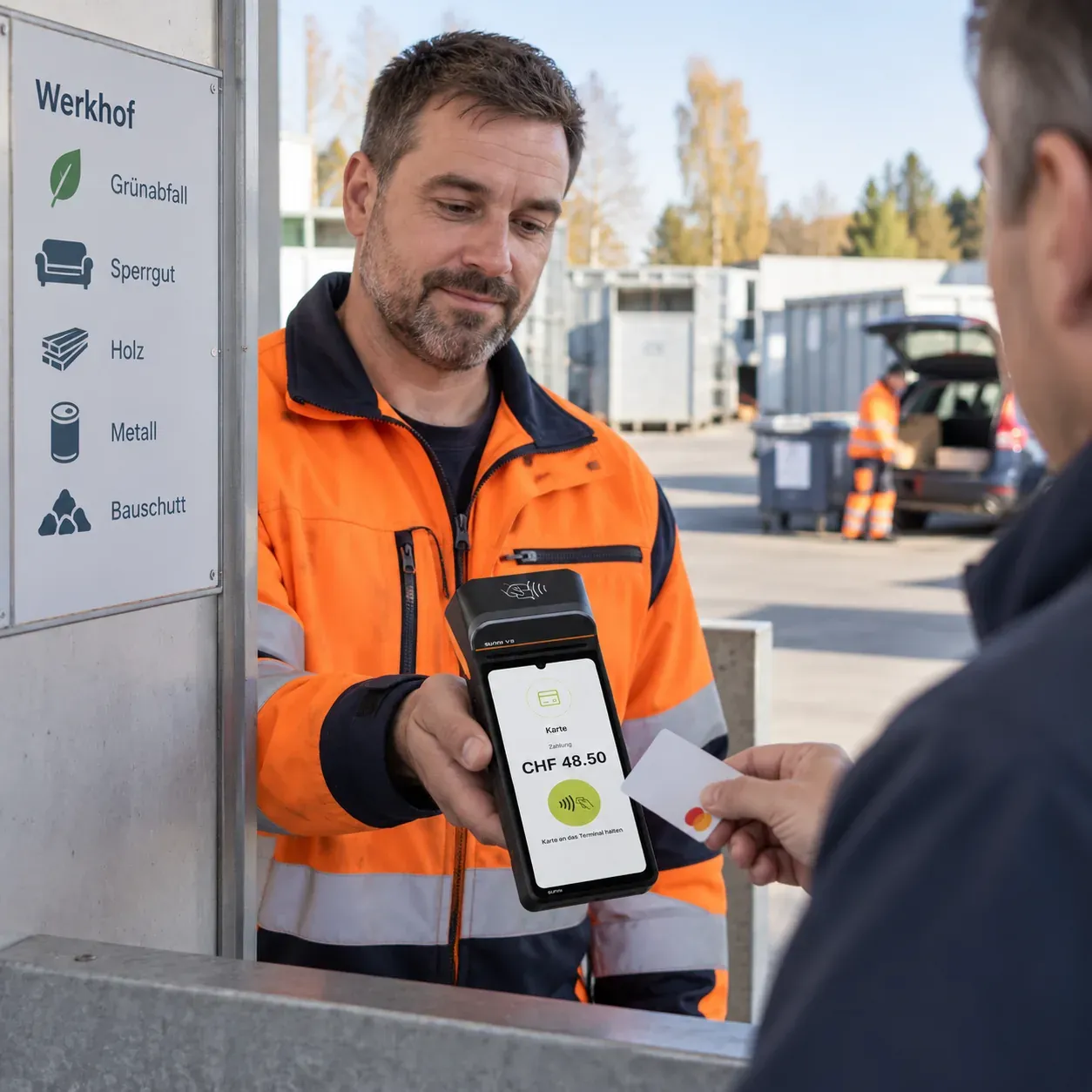
At the depot
Green waste stickers, refuse bags, compost, materials. Payment is taken outdoors, standing up, often with gloves on — and the amounts should still land cleanly in the same statement as everything else.
Matching solution
- Till solution for fast handling
- Simple entry of fees and items
- A stored standard range (green waste stickers, charged bags, bulky waste and container tags) with quantity entry instead of individual amounts
- Rugged, weatherproof mobile terminals, combined with a still simple cash option
- Very simple, self-explanatory operation for staff who change often or take payment on the side
05Events
At municipal events
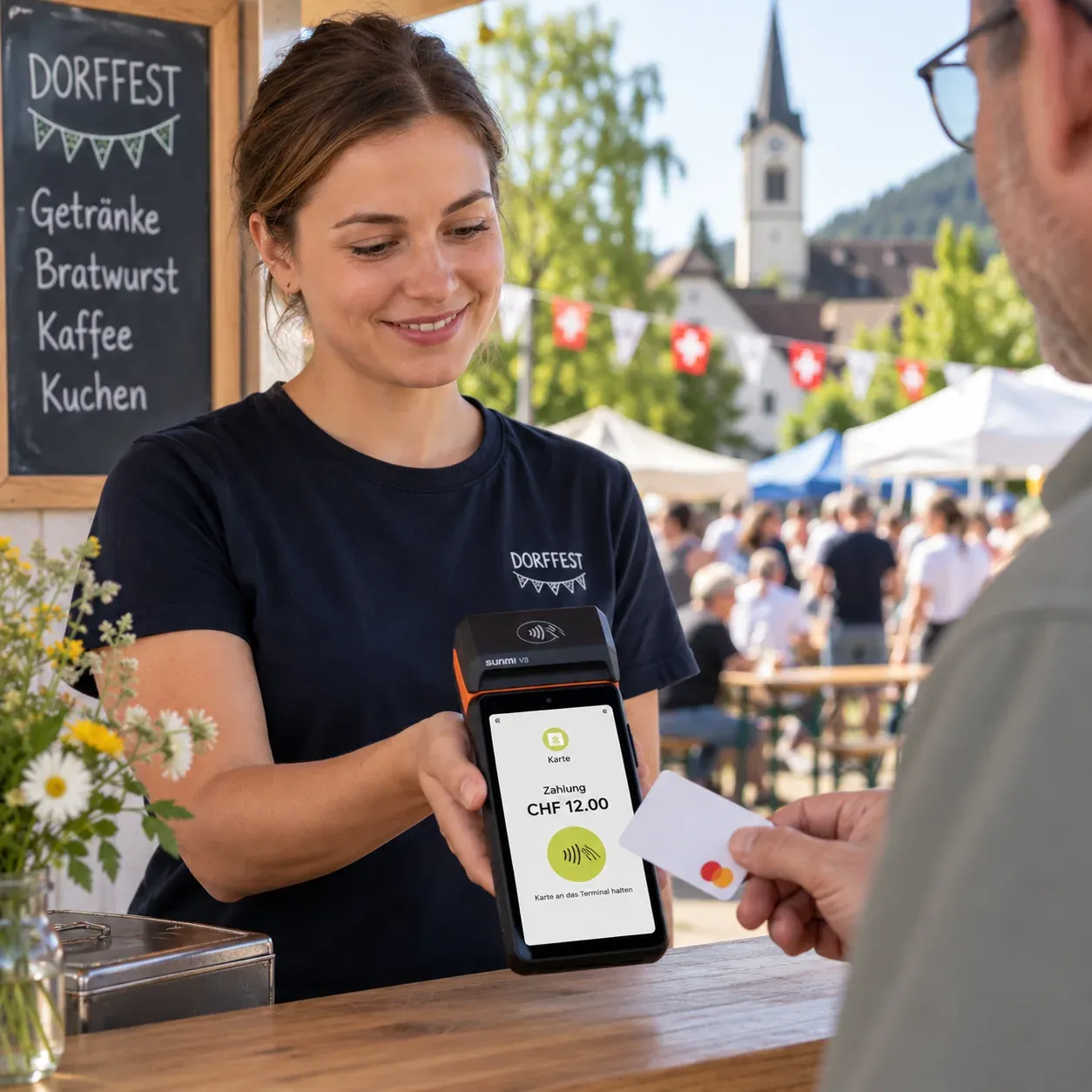
National day, a welcome reception for new residents, a club event: a few days a year on which payment is taken, often by volunteers. Afterwards the device goes back in the cupboard — and should still cost nothing it does not have to.
Matching solution
- Till solution for fast handling
- Simple entry of fees and items
- Deposit refunds
- Tipping function
- Shift recording and staff selection
- Mobile terminals with their own mobile connection (4G)
- A product range with categories and quick-select keys, separate ticket printing per serving point (e.g. kitchen and bar)
- Several till stations with a central daily statement as well as activation and deactivation at short notice per event
Benefits
Why switch to Aduno Pay?
One platform for all your municipality's payment points.
One platform
One contract, one contact, one statement.
Less cash
No till to count, no trip to the bank.
Clean accounting
Every transaction carries its payment point with it.
Everything in one place
In the portal: each point on its own or all together.
Quick to introduce
The devices arrive ready to use.
From Switzerland
Advice and support from Baden, in three languages.
Till and payment
At the counter: select, take payment, hand over.
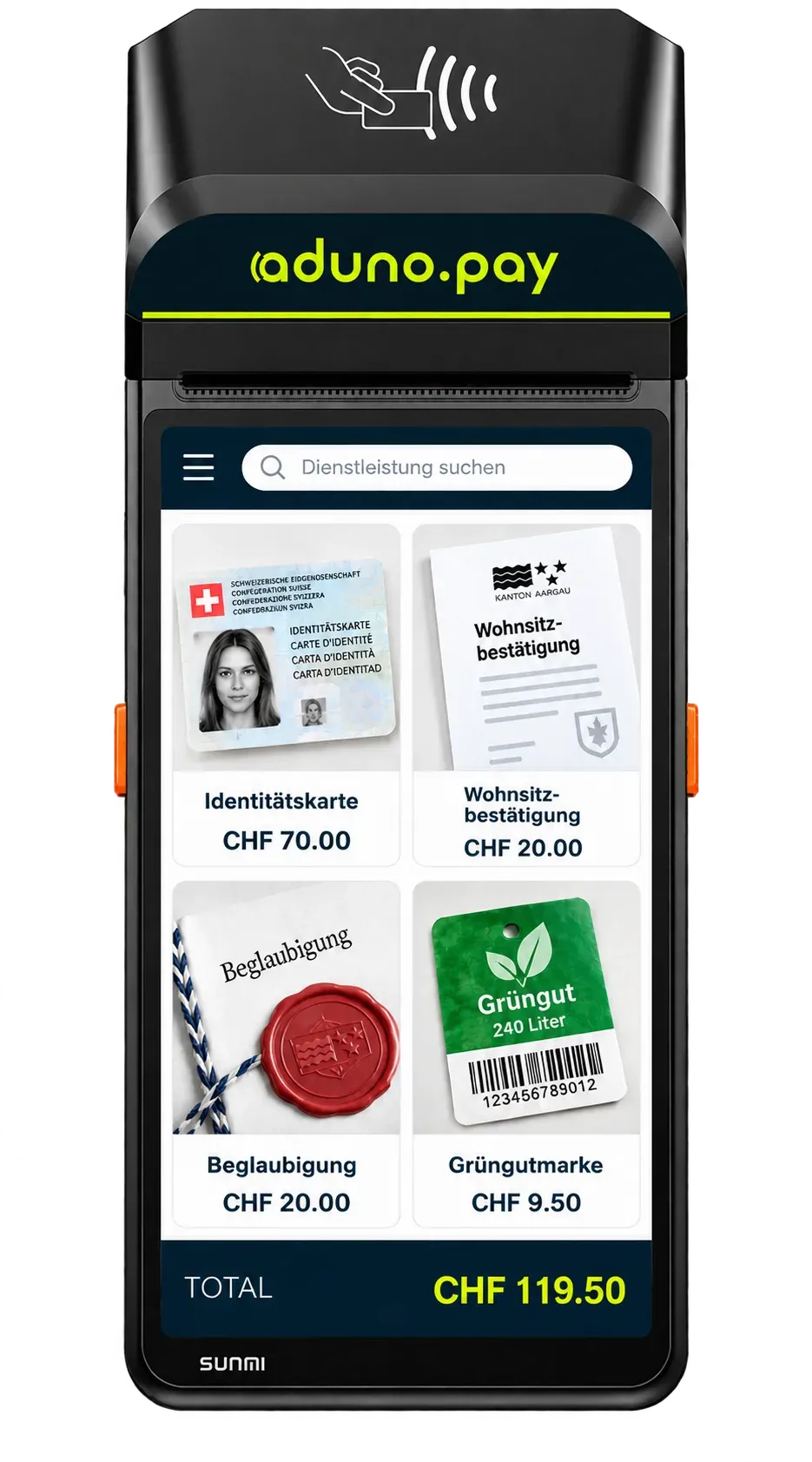
Where services with fixed fees are sold, a terminal alone is not enough. The till knows the municipality's range: the clerk taps the service, the amount is there, payment happens right on the same device.
This is what a municipality's range looks like
- Identity card
- CHF 70.00
- Proof of residence
- CHF 20.00
- Certification
- CHF 20.00
- Green waste sticker
- CHF 9.50
The amounts in the picture are an example. Which services are stored with which fees is for your municipality to decide — we set the range up before it goes live.
Five steps at the counter
Tap the service
The municipality's range is stored. A tap is enough, nobody has to key in the amount by hand.
The amount is there
The fee comes from the stored range. No typos, no gap between the counter and the regulations.
The customer pays
Card, phone or TWINT directly on the same device. Cash can be recorded too, so the till stays complete.
Hand over the receipt
Printed or digital — the person at the counter gets their receipt without anyone writing one out by hand.
The entry is recorded
The item is filed with service, amount, time and payment point. None of it has to be entered later in the evening.
Accounting
From the payment into your accounts.
The route every single amount takes — and the point where it passes into your finance software.
- PaymentSomeone pays at a payment point.
- Aduno PayThe payment is authorised and processed.
- TransactionIt is recorded — with amount, time and payment point.
- PayoutThe amounts go to the municipality's account, bundled together.
- ExportTransactions and payouts can be pulled out.
- AccountingThe figures arrive where the bookkeeping happens.
This is how the data comes out
- Transaction list as a file, per payment point or for the whole municipality
- Payout overview that breaks down every credit on the account
- A regular export, so nobody has to remember it every month
- A technical interface, if the data is to be passed on automatically
How the data actually reaches your finance software, we work out from your existing system landscape. We promise no ready-made connection to a particular accounting system before we know what your municipality works with.
Payment infrastructure
For every point the right form.
Six solutions, one platform behind them.
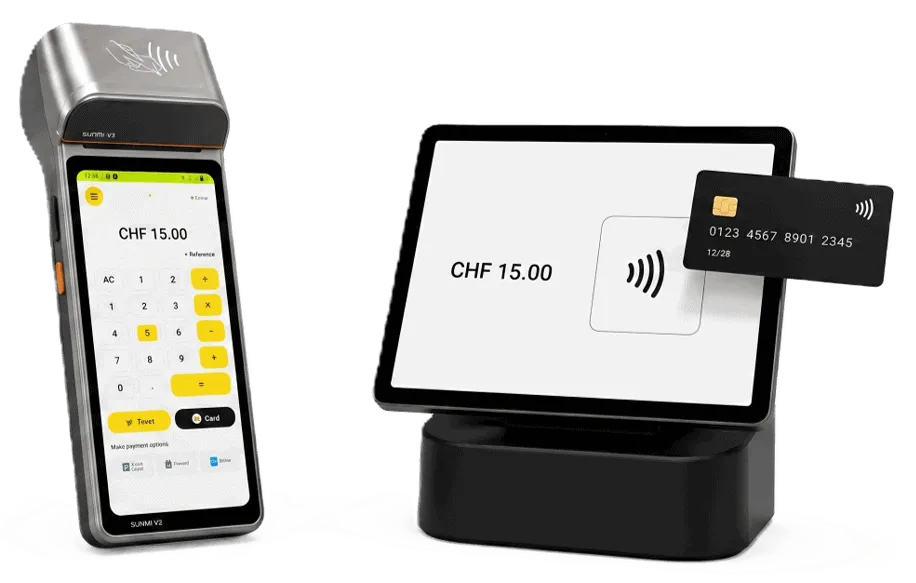
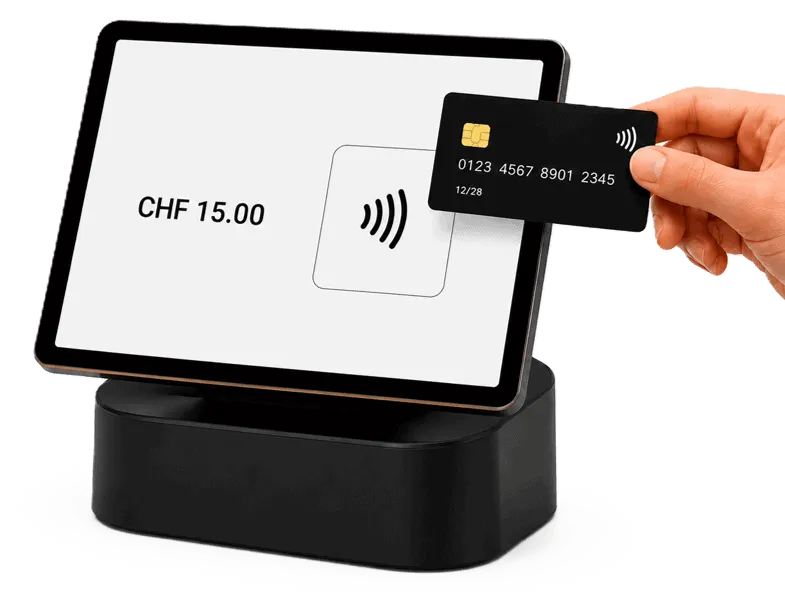
Stationary terminal
For the fixed counter. Plug in, switch on, done.
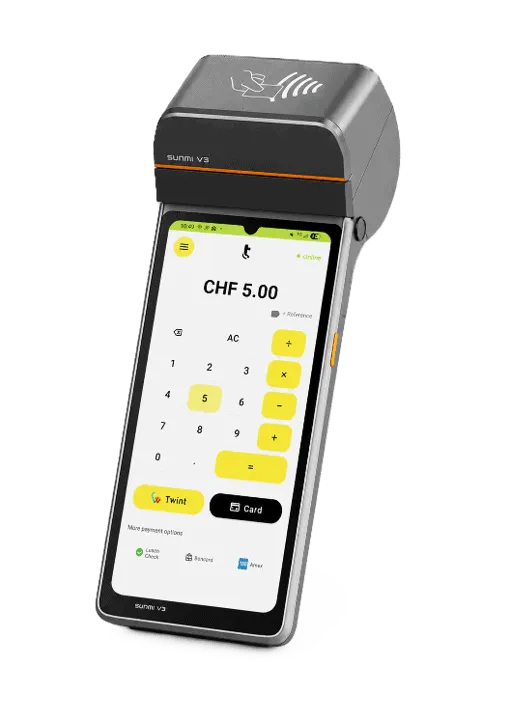
Mobile terminal
For everything that moves: depot, field duty, events.
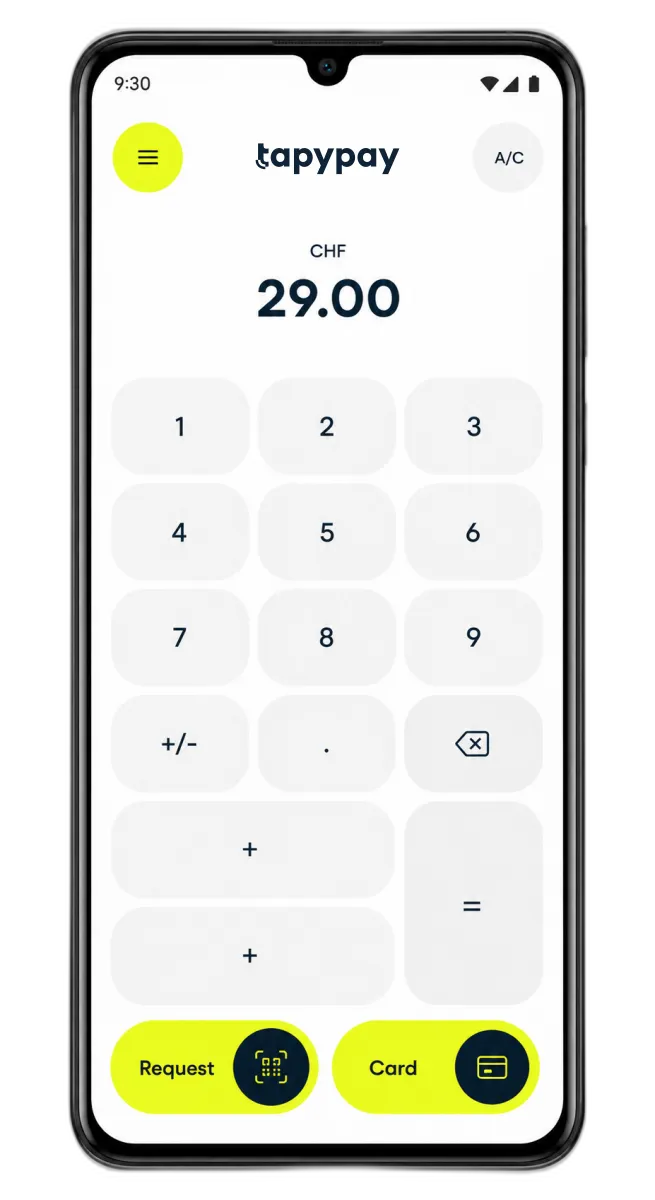
SoftPOS on the phone
The work phone becomes a terminal. No extra device.
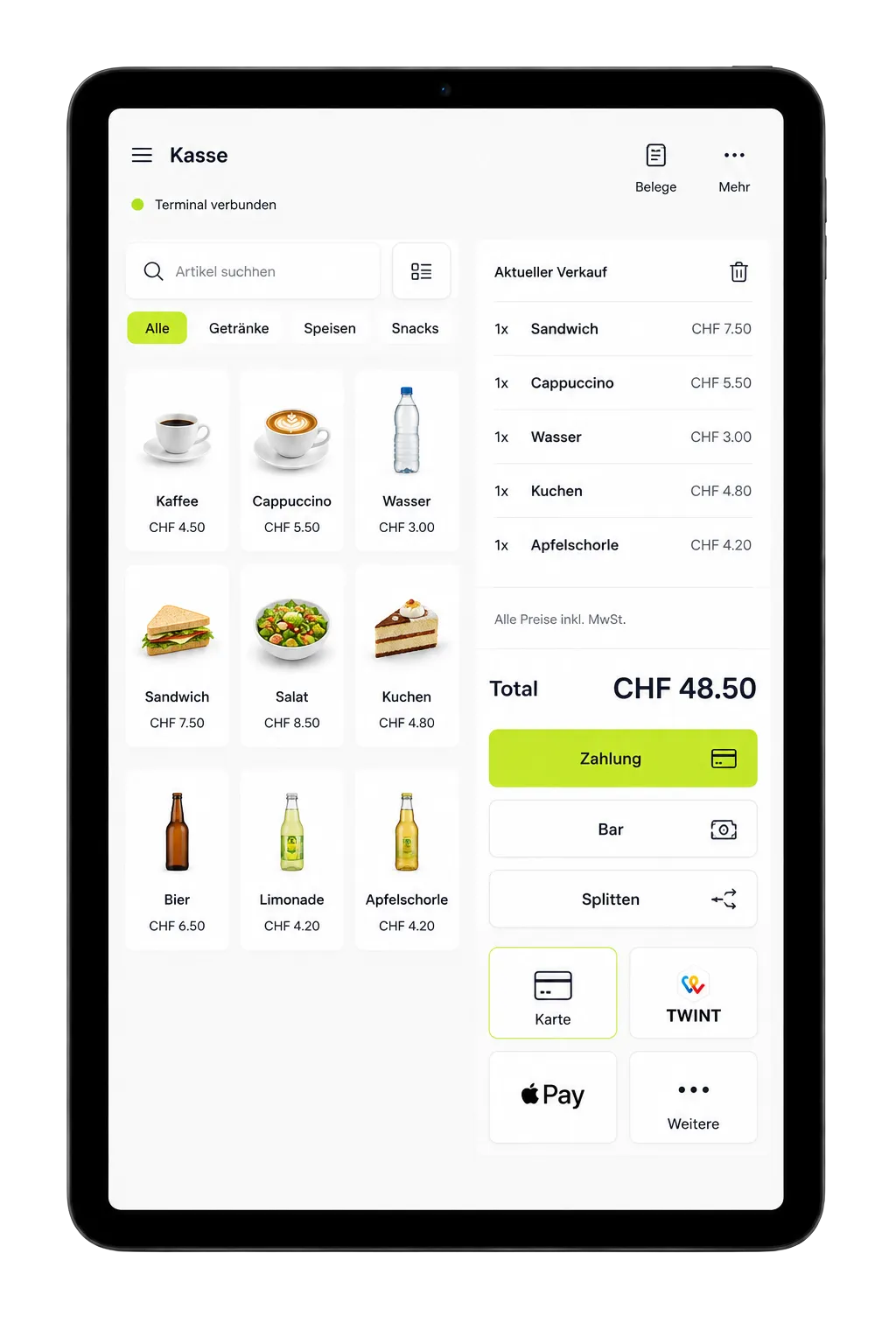
Till with payment
Range and payment in one device.
Till integration
The amount comes from the software that is already running.

Online payment
For fees and forms that are paid online.
Central administration
Everything in one place.
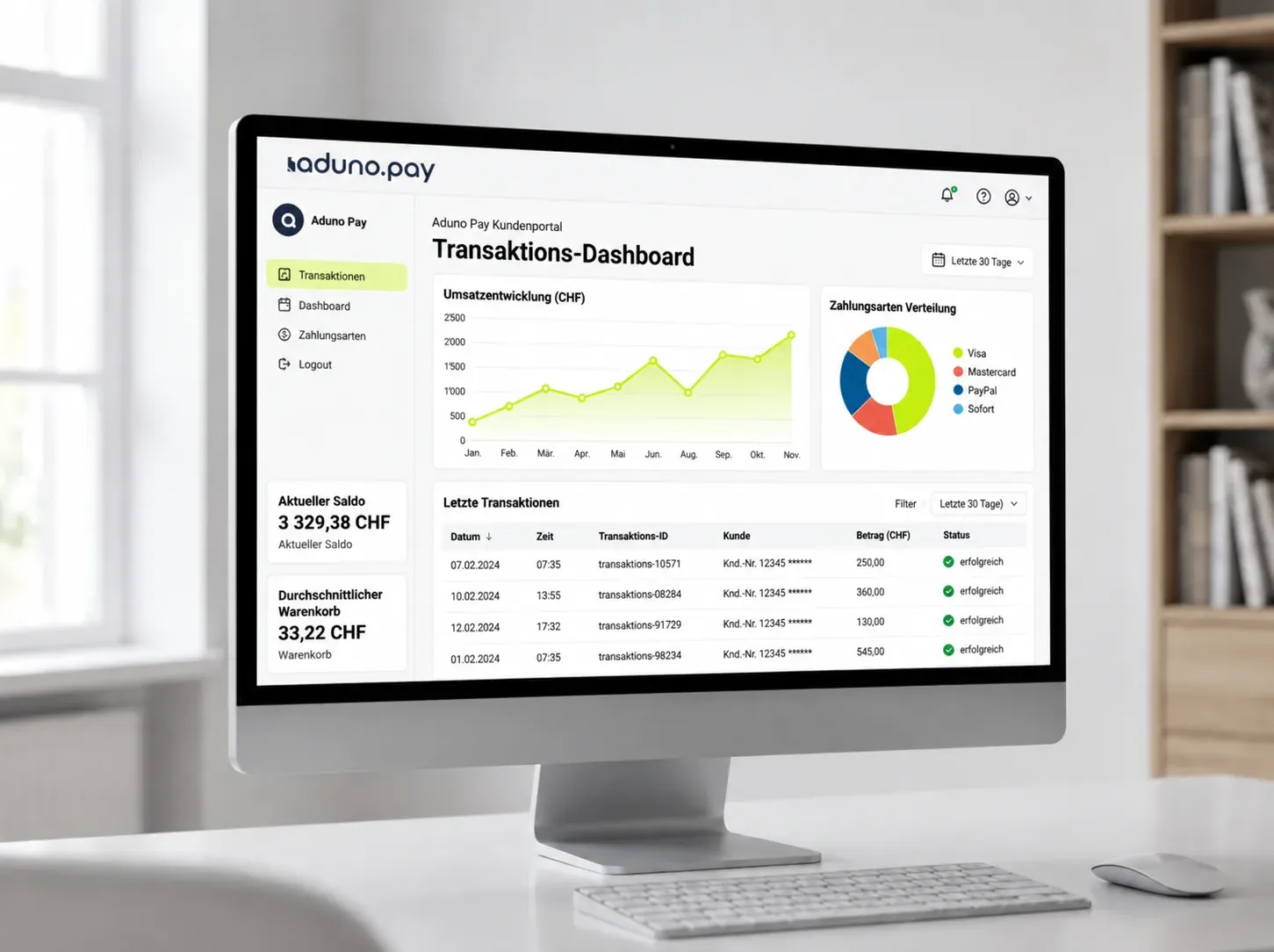
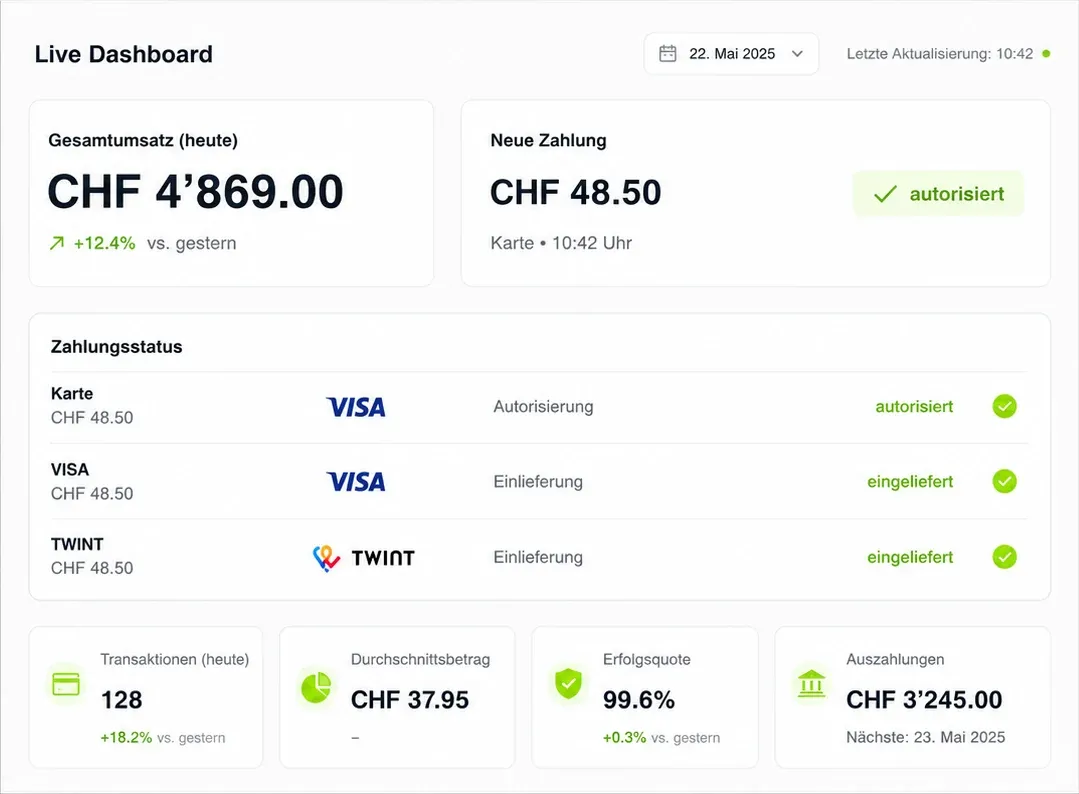
Each payment point on its own or all together — in the portal you see what comes in where, and you manage your municipality's devices without going through support.
- Turnover per payment point, up to date daily
- Every transaction can be looked up individually
- Payouts and what they are made of
- Access for staff, with the rights they need
This is what you accept
Card, phone or cash — the same at every payment point in your municipality.
 Visa
 Mastercard
 Apple Pay
 Google Pay
 Samsung Pay
 TWINT
 PostFinance
 Boncard
 Lunch-Check
- Cash
Costs and origin
Traceable — and from Switzerland.
Two things people ask about first in a public procurement.
Transparent costs
- The conditions are calculated for your municipality — by number of payment points and expected volume.
- What a device costs and what a transaction costs are stated separately and in advance.
- No costs that only appear on the statement.
- You have the quote in your hand before anything is signed.
Swiss payments
- Aduno Pay is a Swiss payment provider based in Baden.
- Advice, setup and support in German, French and Italian.
- TWINT, debit and credit cards as well as the common mobile payment methods.
- One contact who knows your municipality — not a new one with every call.
Getting started
From the enquiry to the first payment.
Five steps we take together. We deliberately keep the effort on your side small.
Conversation
We look at which payment points exist in your municipality and how payment is taken there today.
Proposal
You get a recommendation per payment point and a quote calculated for your municipality.
Decision
You decide at your own pace. We supply whatever documents that takes.
Setup
We set up payment points, the range and access. The devices arrive ready to use.
Start
A short introduction on site or online, then it runs. For questions, the same number applies as before.
Offer
Your payment terminal at no cost.
Reach CHF 200'000 in payment turnover with Visa, Mastercard and TWINT within 12 months and keep using your payment terminal free of charge.
For new customers, with no minimum contract term. The terminal remains the property of Aduno Pay and is provided to you for the duration of the contract.
Cannot be combined with other Aduno Pay promotions.
No minimum contract term
If the solution does not suit you, you cancel under the applicable terms and return the terminals.
Enquiry
Let's look at this for your municipality.
Write us a short note about who you are and roughly how many payment points there are. We will get back to you personally and look at the situation together — without obligation and without signing up online.