Step 1 of 4
Type an amount or use the keypad.
Step 2 of 4
Step 3 of 4
Hold the card against the device. In the demo it happens by itself.
Step 4 of 4
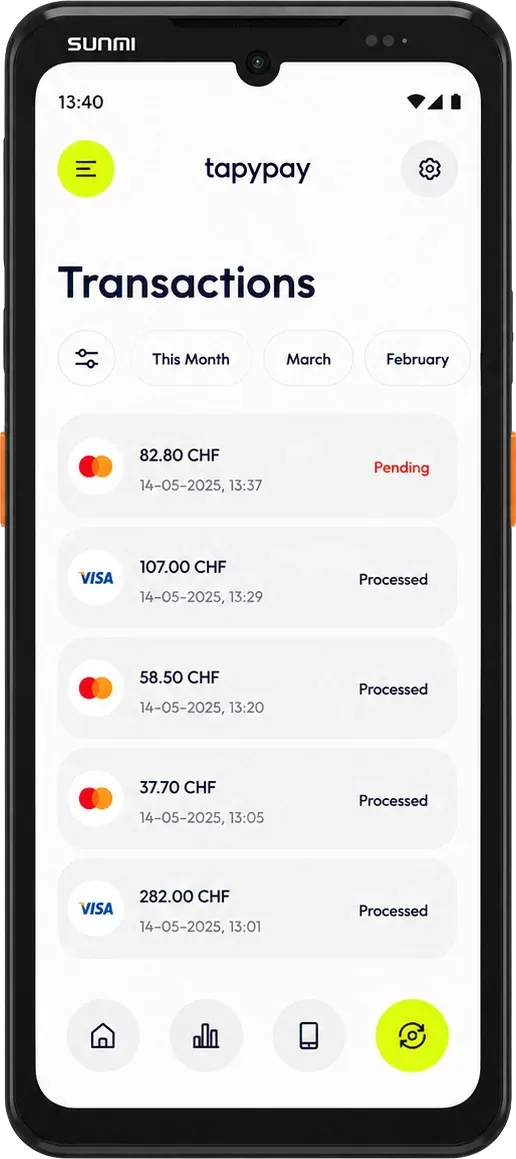
The payment is authorised and is now in the portal.
Demo
Enter the amount
Enter an amount greater than zero.
- Amount
- CHF 0.00
- Tip
- CHF 0.00
- Total
- CHF 0.00
Add a tip
Hold card or phone to the device
CHF 0.00
Accepted payment methods





Payment successful
CHF 0.00
- Payment method
- Mastercard
- Time
- —
- Terminal
- Aduno Mobile 01