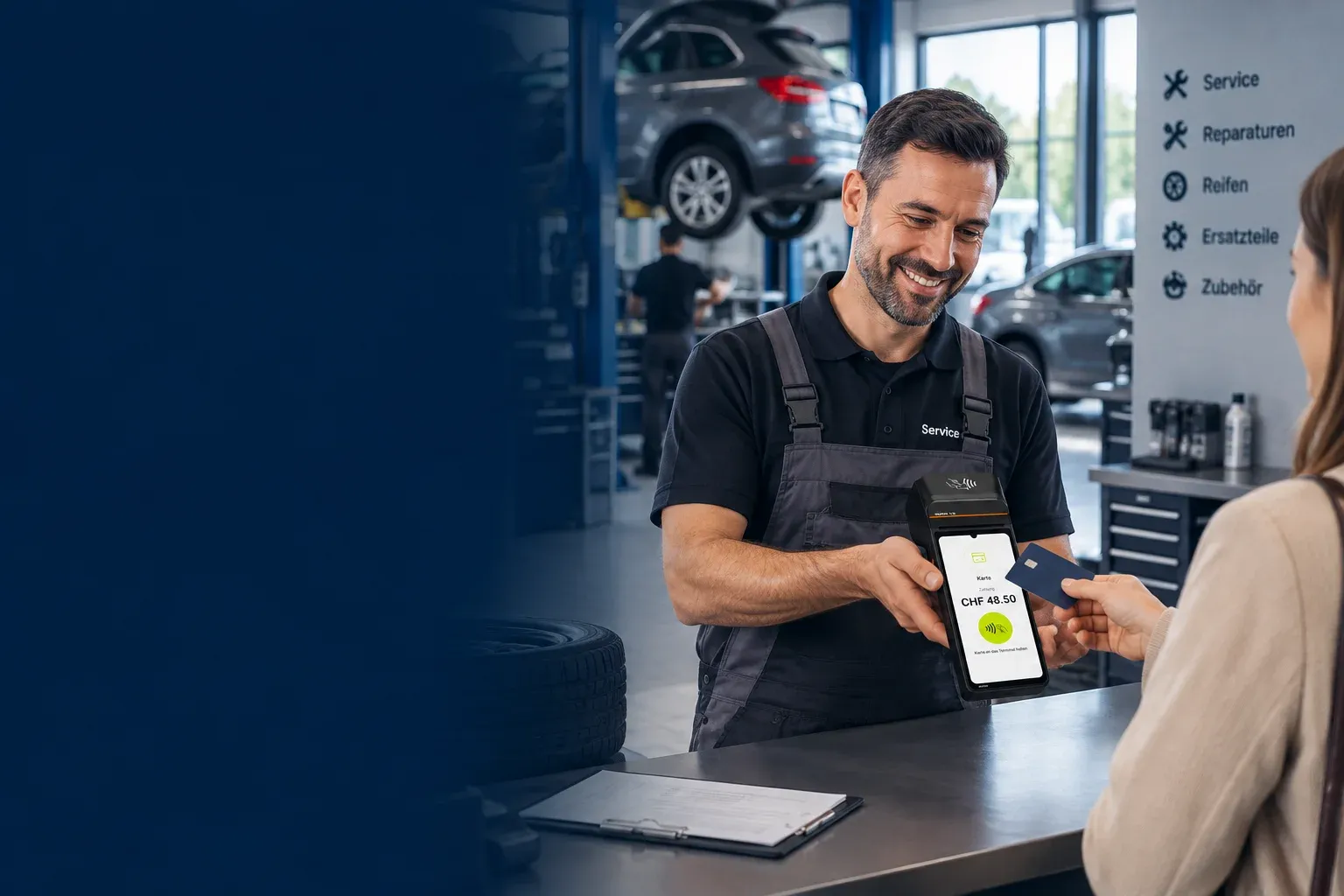
Aduno Pay for workshops and trade
Payments that fit your business.
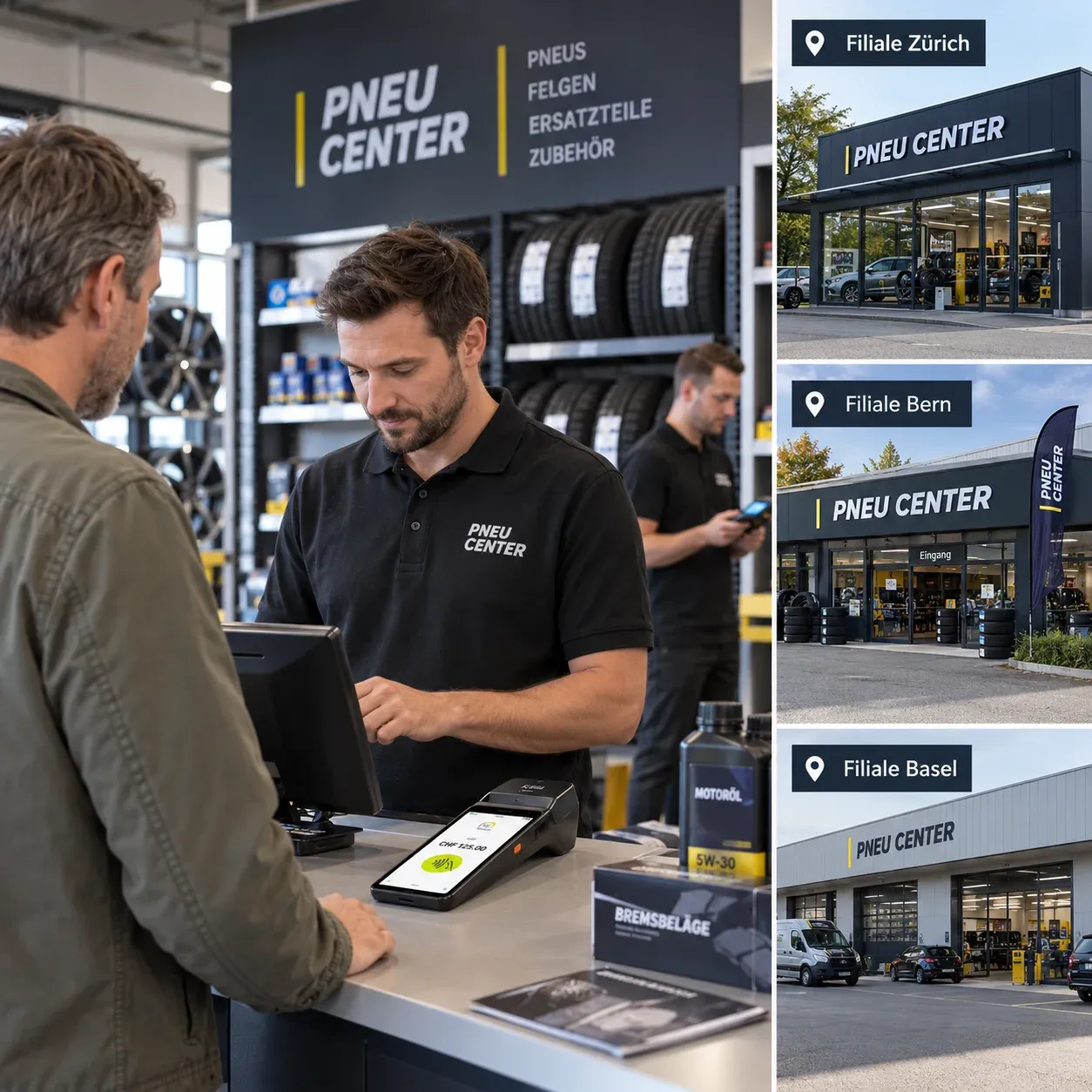
Workshop, spare parts counter, trade or field service: with Aduno Pay you take card payments where your customers want to pay. At reception, at the counter or right on site.
Payment situations
Where people pay in your business.
Four situations, four requirements. Scroll through — each one has a solution that fits.
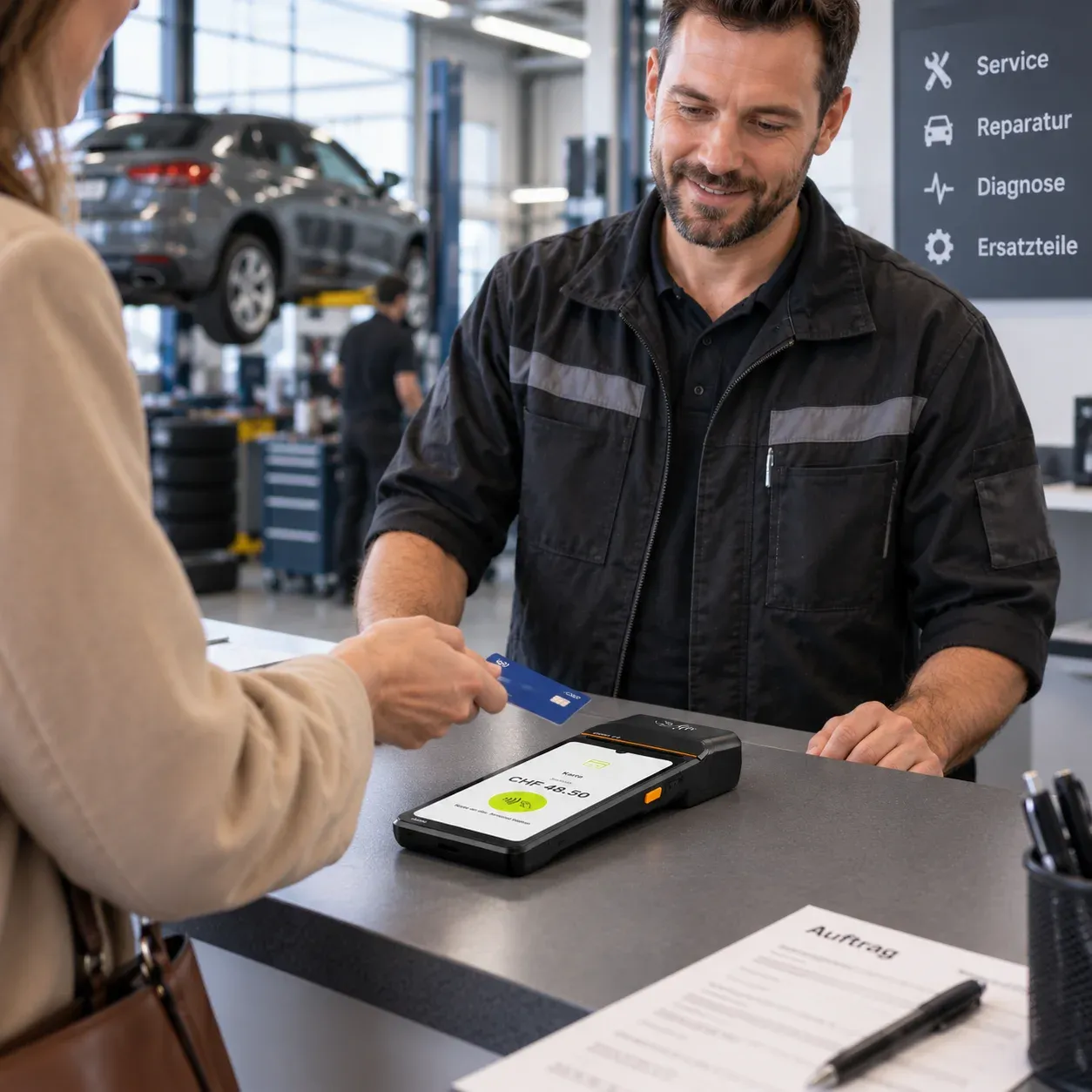
01Workshop
Paid on collection, on the spot
The vehicle or machine is ready, the customer is at reception: then the bill should be settled right there — by card, smartphone or TWINT, rather than later on an invoice somebody has to chase.
Matching solution
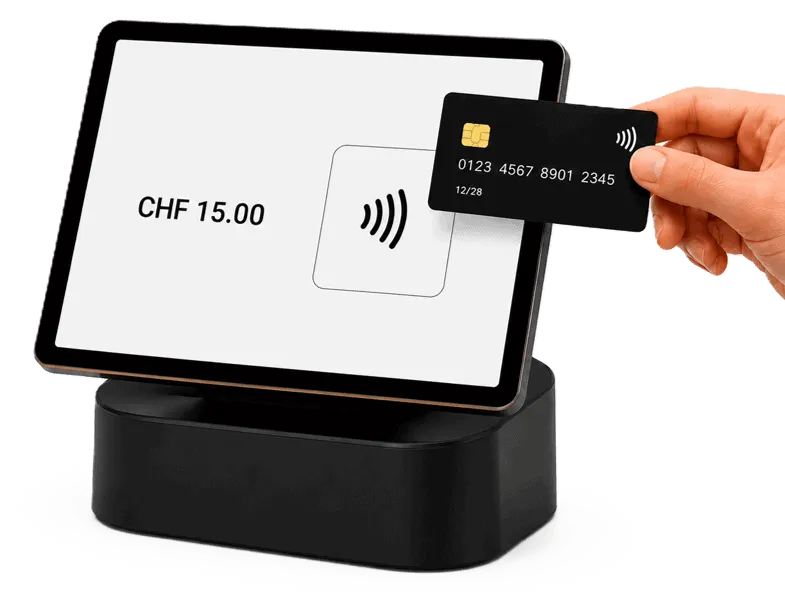
- Stationary terminal at reception
- Contactless by card, smartphone or smartwatch
- TWINT for Swiss customers
- Free amount entry for any size of bill
- The sales reference number stored in the transaction
- Receipt printed or digital
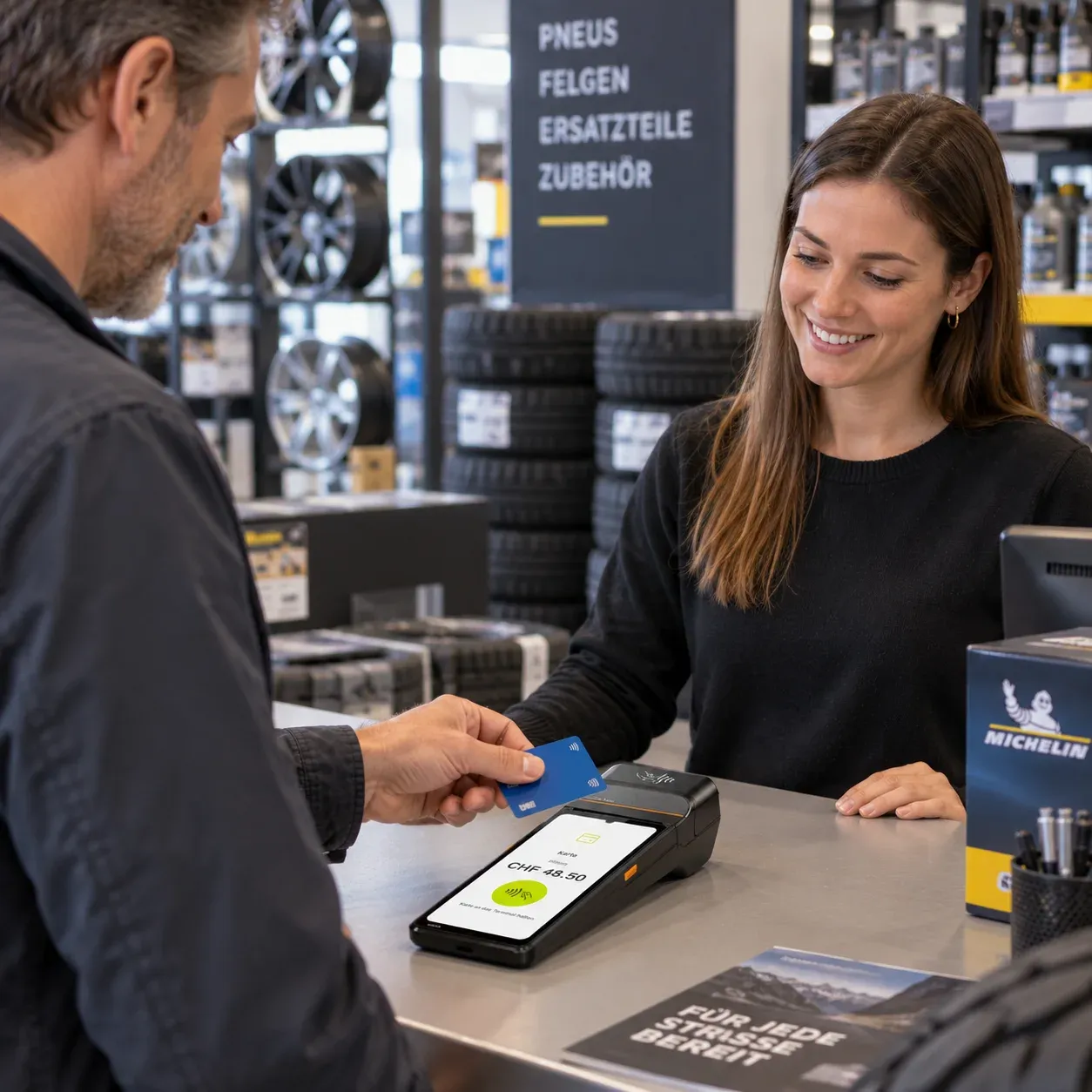
02Spare parts
Settled at the counter, without a detour
Spare parts, accessories, consumables: at the sales counter speed counts. The same payment solution as in the rest of the business — just at a different counter.
Matching solution
- Stationary terminal at the sales counter
- The range stored right on the payment device
- Select items with quick-select keys
- Card and cash payments recorded in the same till
- Report on sales centrally
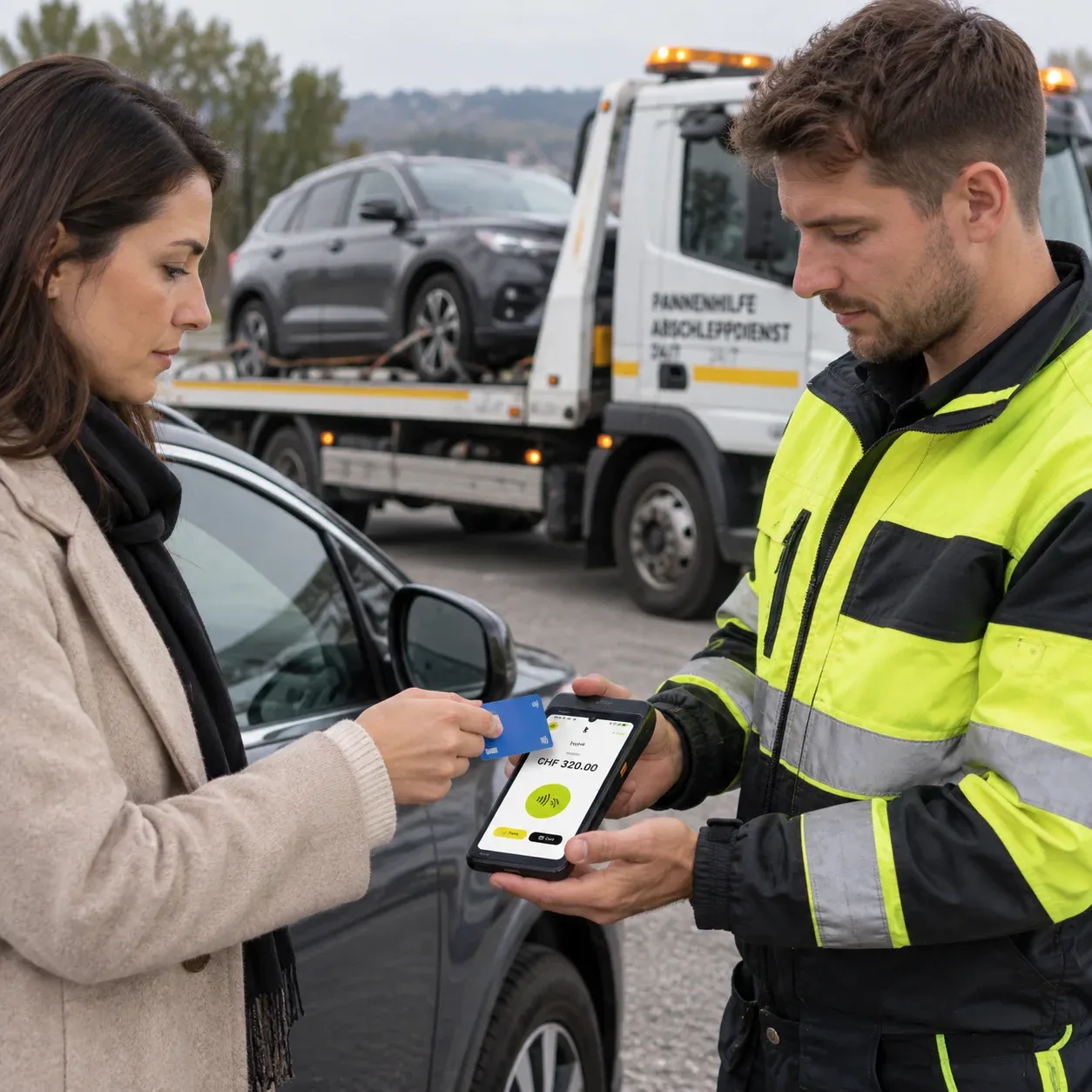
03Field service
Paid before you drive off again
Job done, customer happy — and the payment happens right there. That saves the invoice, the postage and the chasing two weeks later.
Matching solution
- Mobile terminal with its own mobile connection
- SoftPOS on compatible Android smartphones, without any extra device
- Free amount entry for the completed job
- Assignment to the member of staff
- Receipt immediately, digital or printed
04Trade
From a single counter to several locations
One point of sale or ten: payments run through the same platform, and in the portal you see them all together or each one on its own.
Matching solution
- Stationary and mobile terminals combined as needed
- Till integration into existing till and ERP systems
- Devices assigned to individual locations and staff
- Turnover per location, up to date daily
- One contract, one contact, one statement
Benefits
Payments without detours.
From the small workshop to the trading company with several locations — one shared solution for different payment situations.
All the common payment methods
Visa, Mastercard and TWINT, contactless by card or smartphone.
Devices that work together
Combine mobile and stationary terminals in the same business.
Several locations, one login
Manage locations centrally and assign devices to staff flexibly.
Everything in the portal
View transactions at any time without having to ask anyone.
Connects to till and ERP
Interfaces for existing till and ERP systems.
From Switzerland
Personal support instead of a ticket number, in German, French and Italian.
Till and payment
At the counter: select, take payment, done.
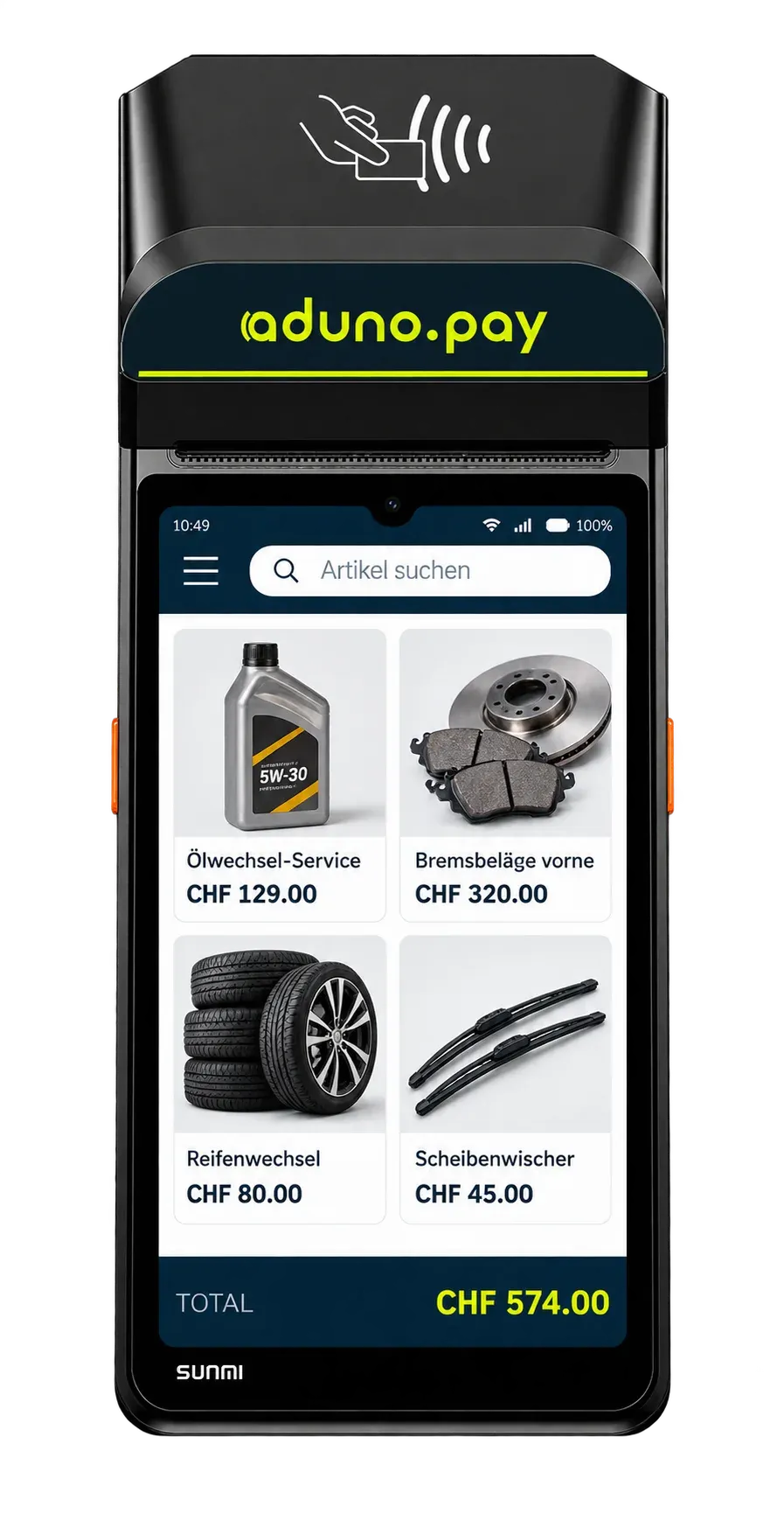
At the spare parts and accessories counter the same items go over the desk again and again. They can be stored right on the payment device: tap, the amount is there, done. For everything else there is still free amount entry.
This is what a counter looks like
- Oil change service
- CHF 129.00
- Front brake pads
- CHF 320.00
- Tyre change
- CHF 80.00
- Windscreen wipers
- CHF 45.00
The amounts in the picture are an example. What is stored at which amount is up to you — we set the range up before it goes live.
Five steps on the device
Tap the item
The stored range appears right on the device.
The amount is there
The price is taken over automatically. Nothing to key in, nothing to recalculate.
The customer pays
Card, smartphone or TWINT on the same device. Cash payments can be recorded too.
Issue the receipt
Printed or digital, depending on what the customer needs.
The sale is recorded
Item, amount, time and location are stored.
Accounting
From the payment into your accounts.
The route every single amount takes — and the point where it passes into your own processing.
- PaymentSomeone pays at reception, at the counter or on site.
- Aduno PayThe payment is processed.
- TransactionAmount, time, device and location are recorded.
- PayoutThe amounts go to the account on file, bundled together.
- ExportTransactions and payouts are available in structured form.
- AccountingThe data serves reconciliation and further processing.
This is how the data comes out
- Transaction list as a file, per location or for the whole business
- Payout overview with the transactions it is made of
- Reporting by location, device and staff member
- Regular exports instead of printing by hand
- A technical interface for till and ERP systems
How the data actually reaches your till, ERP or accounting software, we work out from the systems you use. This page promises no ready-made interface to a particular product.
Payment infrastructure
The right terminal for every use.
Five solutions, one platform behind them.
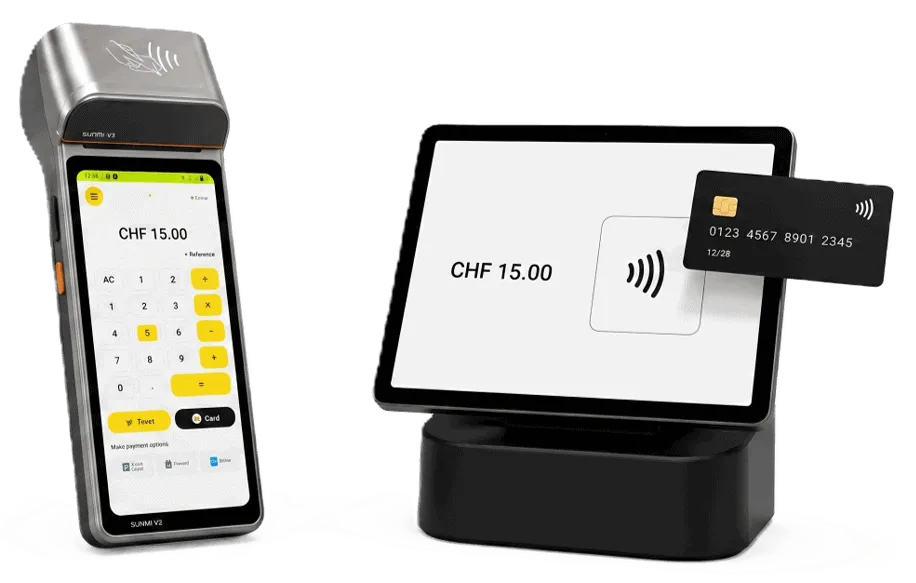
Stationary terminal
For reception, the sales counter and the parts store. Plug in, switch on, done.
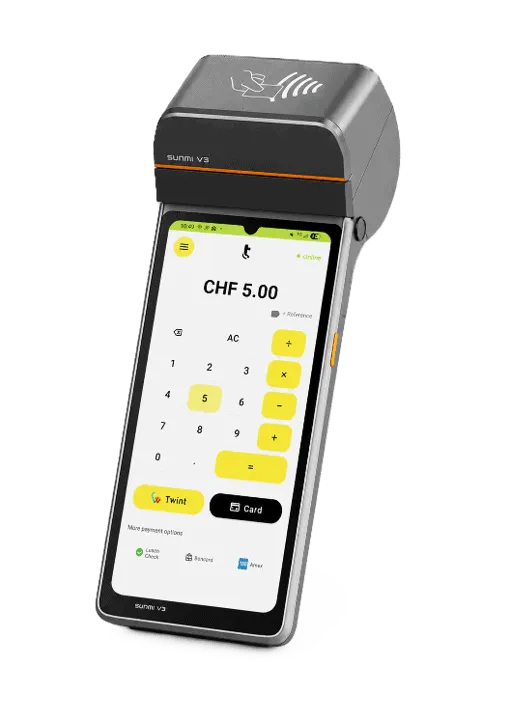
Mobile terminal
For the workshop, the store, field service and everything that does not stay in one place.
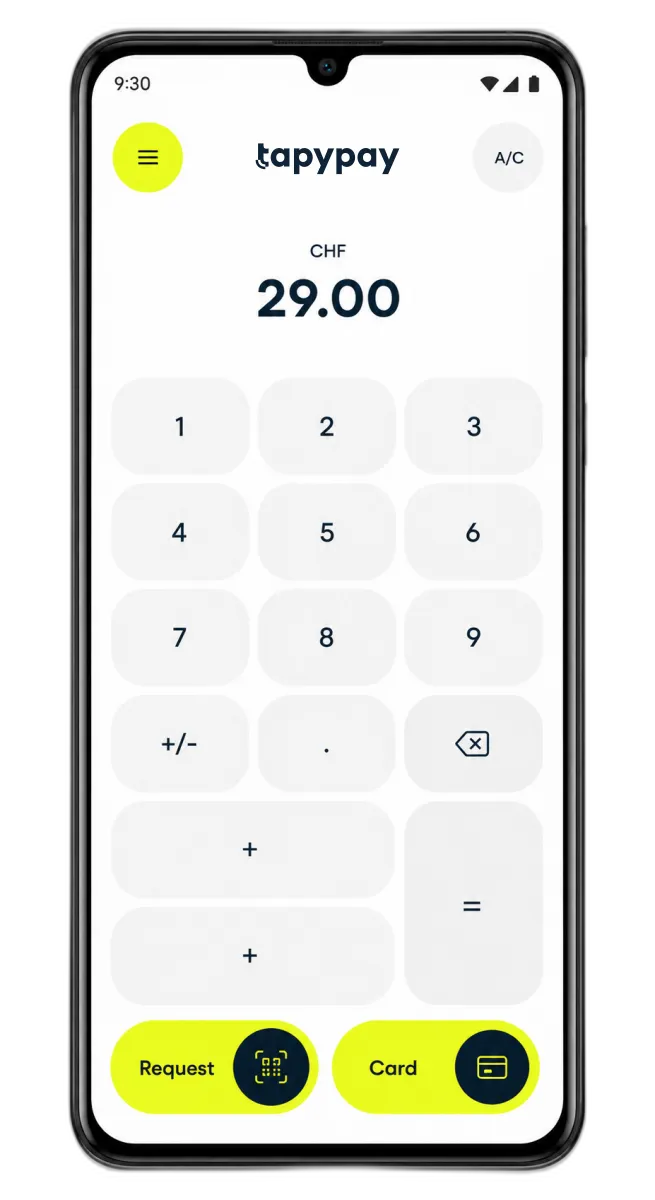
SoftPOS on the smartphone
A compatible Android smartphone becomes the payment terminal. Ideal for staff on the road.
Till integration
Connect payments to a till or ERP solution you already have.

Online payment
For a web shop and e-commerce. Online payments run through the same platform as the terminals in the business.
Central administration
All payments in one place.
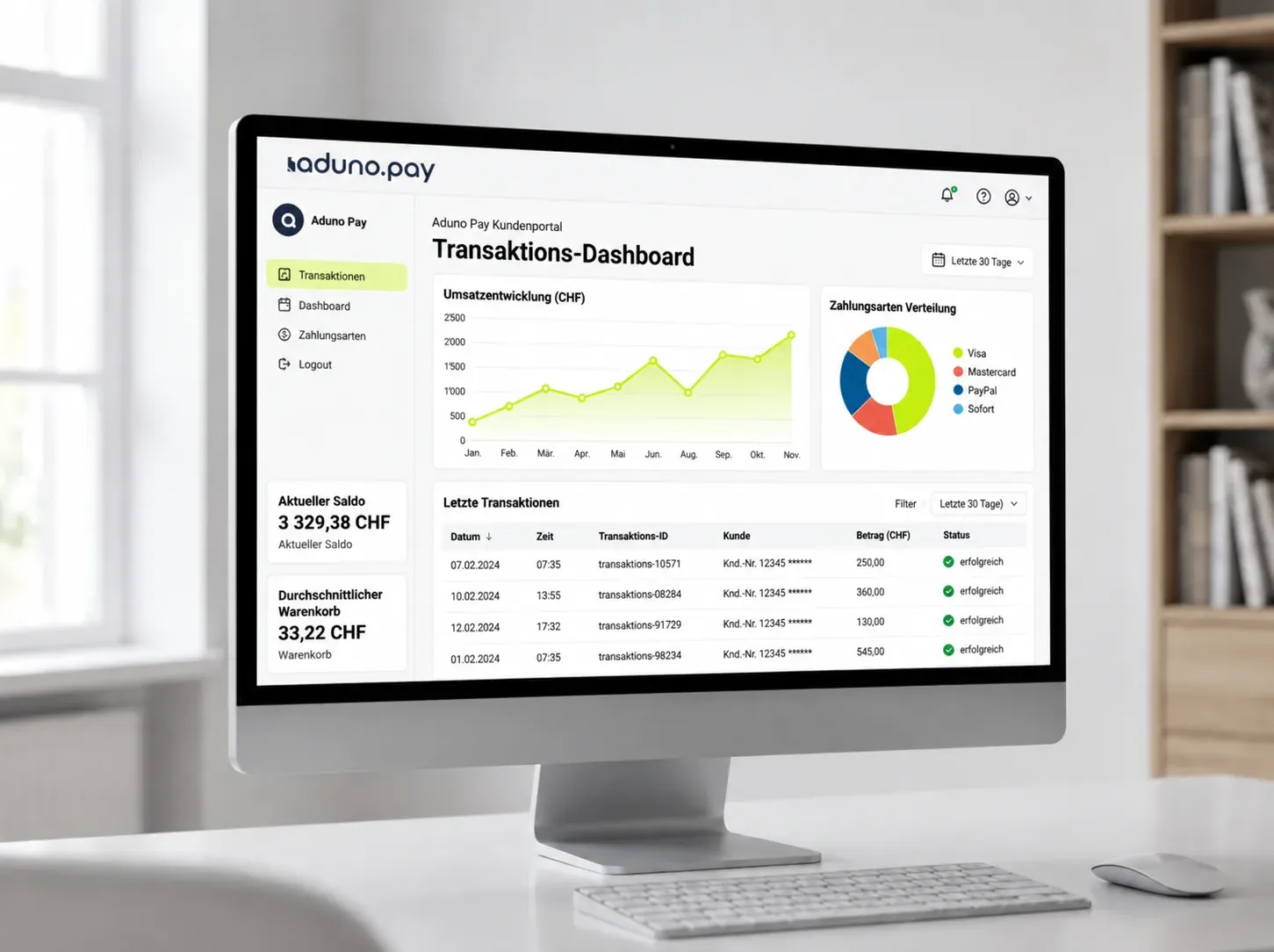
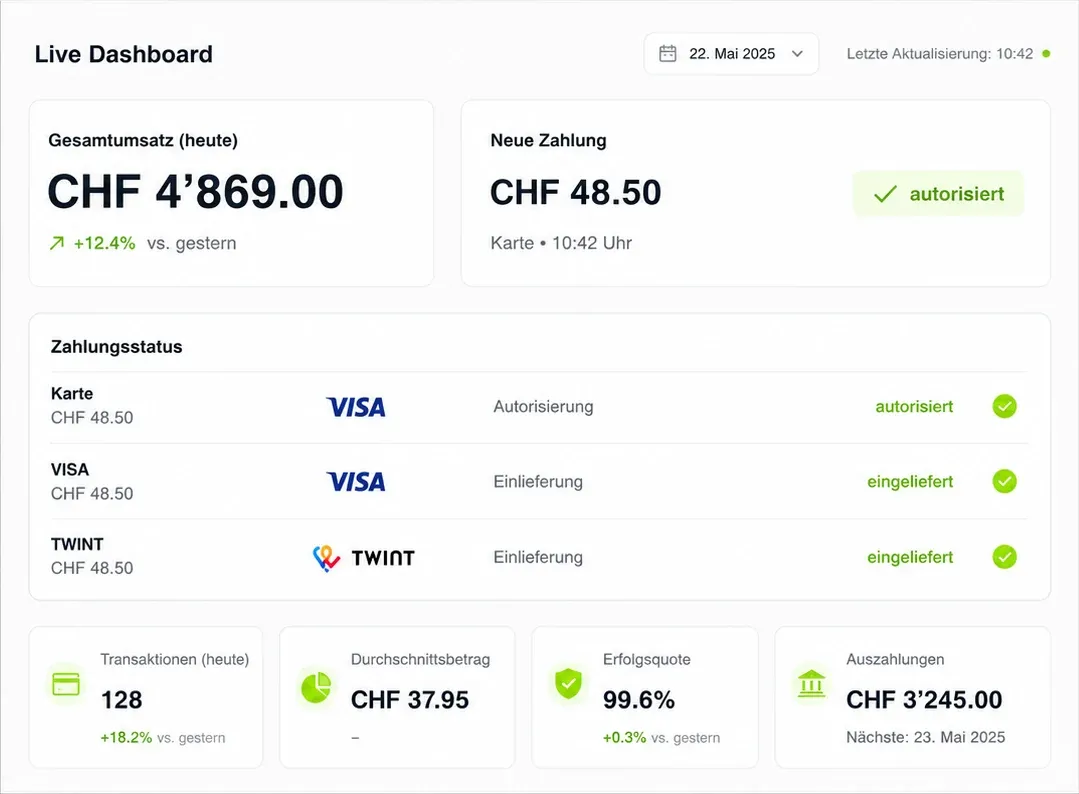
Keep an eye on turnover, transactions and terminals. In the Aduno Pay portal you manage several devices, staff and locations through one central login — especially when sales, workshop and field service come together.
- Turnover per location and device, up to date daily
- Search individual transactions and trace them
- View payouts and see what they are made of
- Manage devices centrally and assign them to locations
- Access and permissions for staff
This is what you accept
Card, phone or cash — the same at every till in your business.
 Visa
 Mastercard
 Apple Pay
 Google Pay
 Samsung Pay
 TWINT
 PostFinance
 Boncard
 Lunch-Check
- Cash
Costs and origin
Traceable — and from Switzerland.
Two things people ask about first in a procurement.
Transparent costs
- Clear conditions for devices and transactions
- The costs are fixed before you sign
- Several locations can be looked at together
- No surprise items on the statement
Swiss payments
- Aduno Pay is a Swiss payment provider based in Baden.
- Advice, setup and support in German, French and Italian
- Named contacts instead of a ticket number
- Broad support for the common Swiss payment methods
Getting started
From the enquiry to the first payment.
Five steps we take together. We look first at where payment is taken in your business and which solution fits.
Conversation
We look at where payment is taken today and which systems are in use.
Proposal
You get a recommendation for reception, the counter and field service.
Decision
You decide which devices and connections you want to use.
Setup
We set up devices, locations, the range and access.
Start
The solutions go live and your staff get a short introduction.
Offer
Your payment terminal at no cost.
Reach CHF 200'000 in payment turnover with Visa, Mastercard and TWINT within 12 months and keep using your payment terminal free of charge.
For new customers, with no minimum contract term. The terminal remains the property of Aduno Pay and is provided to you for the duration of the contract.
Cannot be combined with other Aduno Pay promotions.
No minimum contract term
If the solution does not suit you, you cancel under the applicable terms and return the terminals.
Enquiry
Payments for your business. Simply set up.
Tell us briefly how and where your customers pay. We will put together the right solution for your workshop or your trading business.